1. Fork the repository
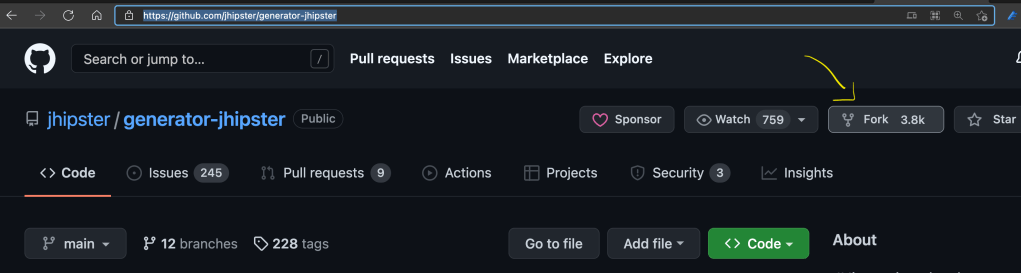
Go on jhipster/generator-jhipster: JHipster is a development platform to quickly generate, develop, & deploy modern web applications & microservice architectures. (github.com) and click on Fork on the right corner on top of the page.
2. Open jHipster in your favorite environment
git clone https://github.com/SandraAhlgrimm/generator-jhipster.git
code generator-hipster
or open the repository in GitHub Codespaces.

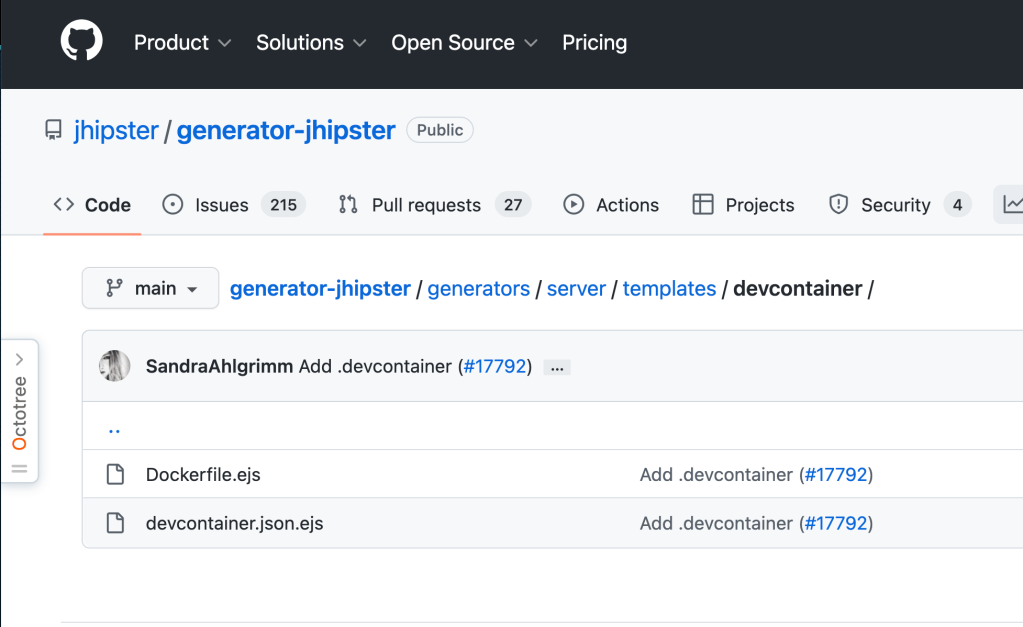
I want two files to be generated for devcontainers. As they’re going to end up in a hidden .devcontainer folder and will be valuable to most jhipster devs, decided that they should get generated for all new jHipster server projects. So I put the devcontainer.json.ejs andDockerfile.ejs into a new created devcontainer folder under server/templates.
- templates
- devcontainer
devcontainer.json.ejsDockerfile.ejs
- devcontainer
If the functionality is useful for all projects, common would have been the place to go.
Alternatively, I could have used the sub-generator functionality of jHipster and let the .devcontainer configuration files only be generated, when a command like jhipster devcontainer is called. For that, you create a new folder with a meaningful name. So I would have created a folder .devcontainer with the following file structure.
- .
devcontainertemplatesdevcontainer.json.ejsDockerfile.ejs
files.jsindex.jsUSAGE
3. Add your features
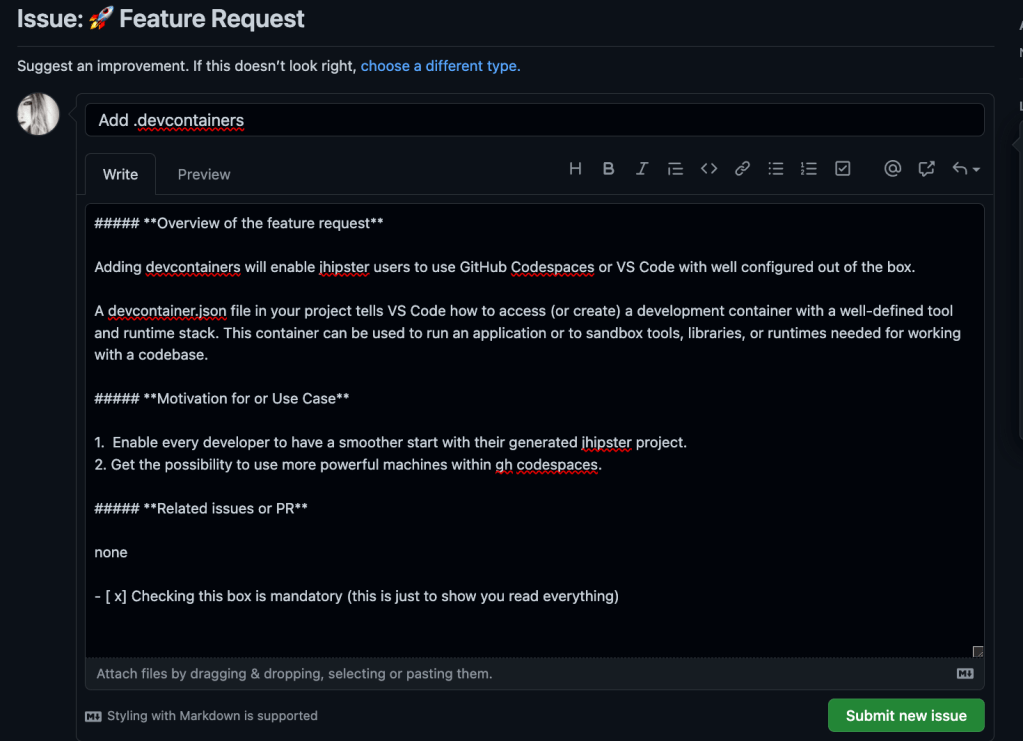
You can find the changes on GitHub. But before, you have to create a Pull Request or also called Merge Request. In my case, I’ll start with a Feature Request. There, other members of the community can give hints, thoughts and vote for the request. I’ll also link to this issue, in my Pull Request.
4. Create the Pull Request PR
Before you submit your PR, make sure to follow all the steps locally or in Codespaces, explained in CONTRIBUTING.md.
When everything is running smoothly and all tests are green and are working as expected, go ahead and create your PR within GitHub UI or your terminal.
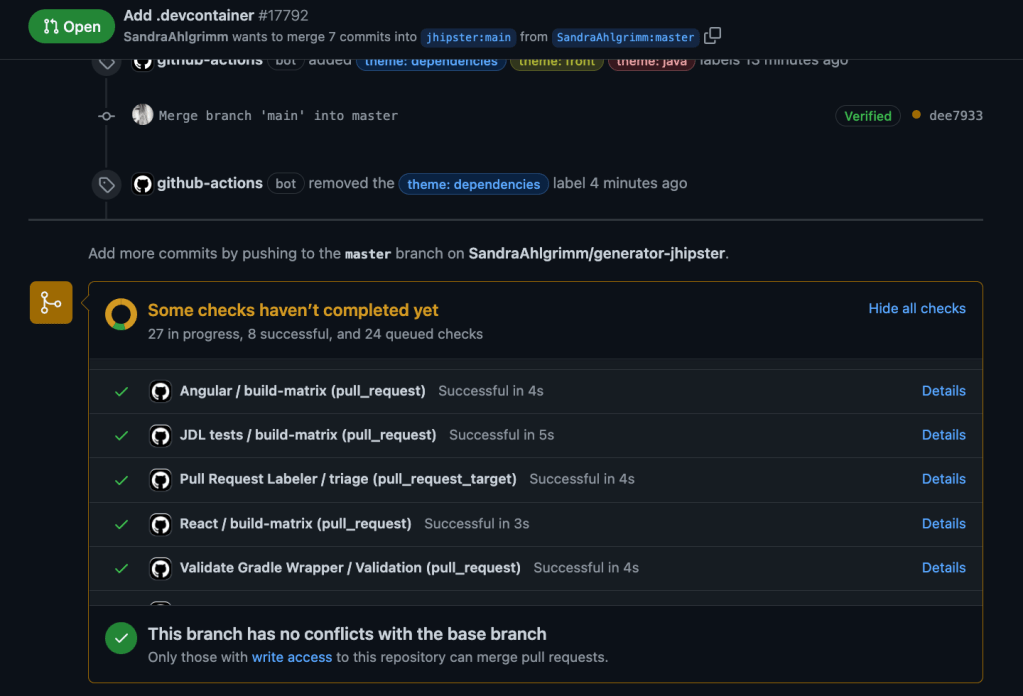
Please expect and accept feedback on your PR. It’s not meant to hurt your feelings. People from the community are reviewing your code, docs and ideas in order to optain quality and to achive the best for the Open Source project.
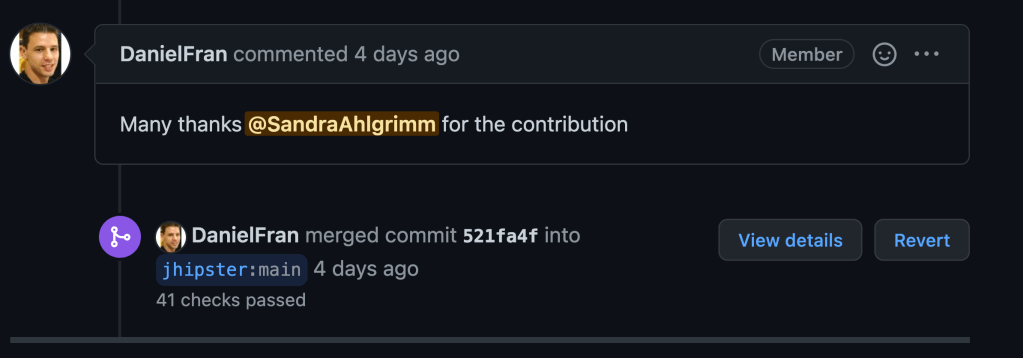
Once, your PR was accepted, your branch will be merged into the main branch.
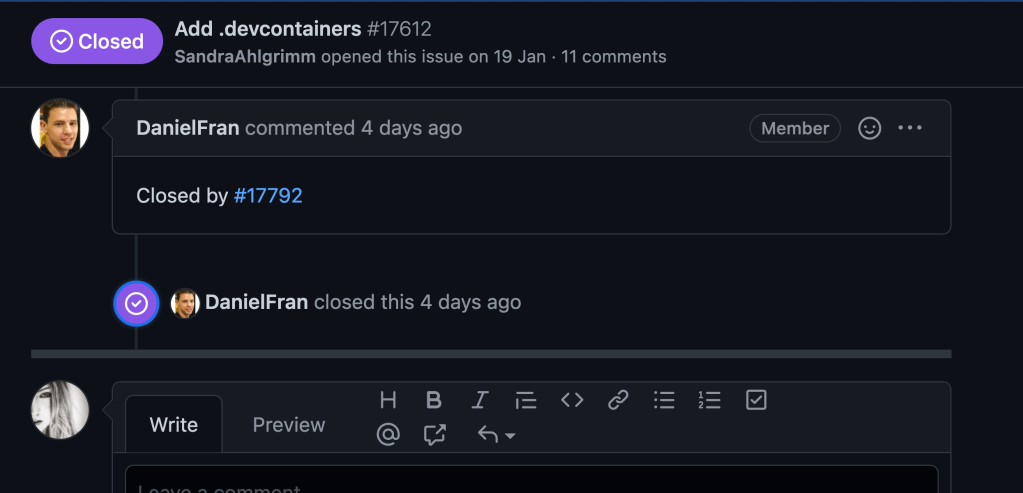
And your Issue or Feature Request will be closed.
5. Celebrate! Now, you are an Open Source Contributor! What’s next?!
 ahlgrimm.dev