
Welcome to my dev notes.
I will use this to post findings, bug fixes, and here and then cross-post all my contributions to dev.to, youtube, twitch, medium etc. here.
Latest from the Blog

Use Java 8 within GitHub CodeSpaces
Currently, Java 11 is installed on GitHub CodeSpaces and you can’t change that as easily as on your local machine with commands like: Also, setting the JAVA_HOME variable didn’t have an influence on the Java version used. Still java -version gives me the output: The good thing is, that you can force a Java version…
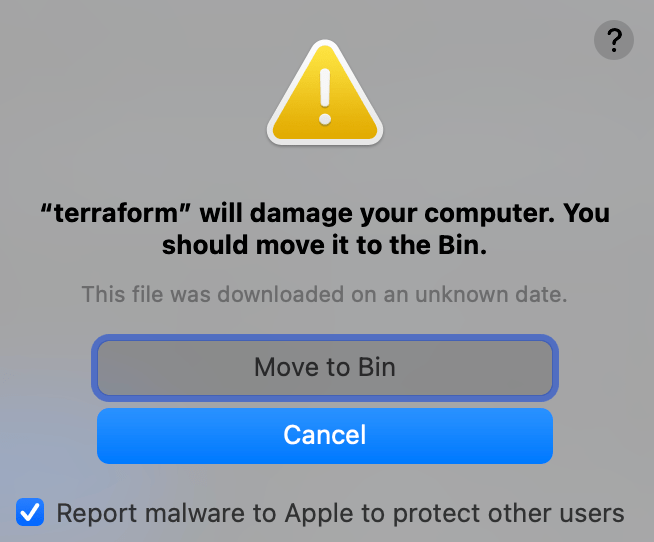
“terraform” will damage your computer. You should move it to Bin.
Not the best warning my MacBook showed yesterday, refusing to run terraform init on the just-cloned project. Here’s how I got to the solution of reinstalling Terraform and why it was necessary. Long story short: Delete and reinstall the software (terraform in this case) to use it again with e.g.brew uninstall terraform brew install terraform…
Switch the java version on your mac
You can switch your Java version on your Mac by following these steps: Check which versions of Java are currently installed on your Mac by opening the Terminal app and typing the following command:/usr/libexec/java_home -vThis will display a list of all the Java versions that are installed on your Mac. Choose the version of Java…
Get new content delivered directly to your inbox.

